In Sungrown’s second year, our sales processes were closer to napkin sketches than refined systems.
We had a spreadsheet order management system, a static PDF menu, and, most importantly, a whiteboard.
Each Monday, we would write a list of our current and prospective partners who we considered ready for an order.
We would talk through the names on the board, and we’d write dry-erase notes on the increasingly illegible list.
We didn’t quite know it at the time, but we were building a recurring leads system.
Eight years later, in 2026, we’ve integrated that old whiteboard mechanic into our sophisticated lead system, all housed in Pipedrive.
This gives sales reps full visibility into their opportunities, and helps them plan their approach to converting those leads. It also helps our sales director project our performance and respond in real time to objections and obstacles as they occur. It’s a good system.
In theory.
But something funny happened on the journey from whiteboard scrawls to a sophisticated CRM system: our team didn’t seem to find the tool valuable.
Instead, it was a chore. Updating our CRM platform, logging activities, and moving deals became another layer of reporting that existed in a vacuum, far away from the real work of closing deals.
We even had a rep tell us that the CRM was preventing them from “chasing revenue.” Ouch!
This became a valuable learning opportunity, but only if we could reckon with the simple idea that our CRM had become the absolute worst thing for a salesperson: a busywork chore.
As with any aha moment, it was time to get to work. Our north star was simple: our CRM needed to be a tool instead of a chore for our sales team. Instead of being an additional workload, it needed to be an integrated part of our sales team’s work.
Here are 5 things we did to integrate our CRM into our salespeople’s actual work.
Clean it up
No one wants to cook when the kitchen is messy. Over the years, our CRM became riddled with incomplete data, misspellings, stale deals, and duplicate organizations and people. Only when we took the time to deep clean and organize it did it become a usable tool, and our team was able to use their time on the CRM to move deals forward instead of administrative work.
Master the tool yourself
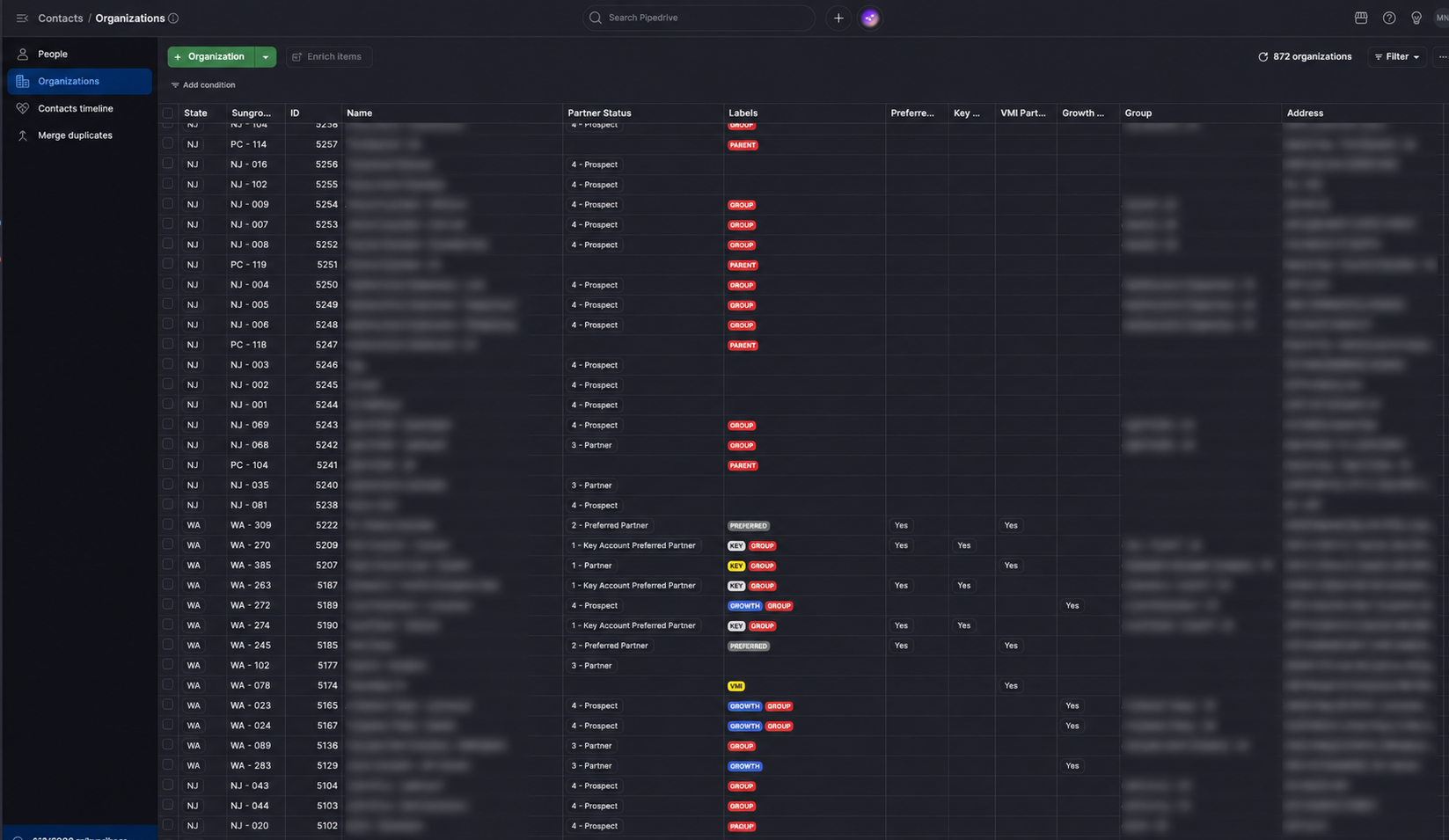
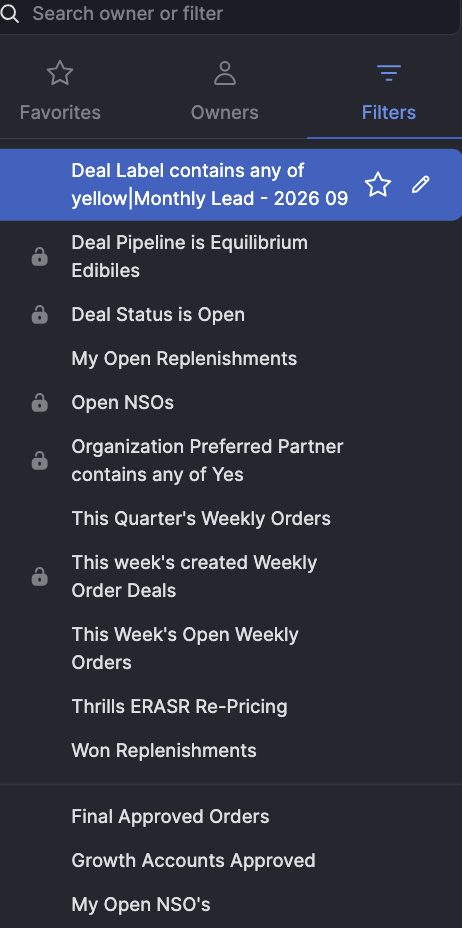
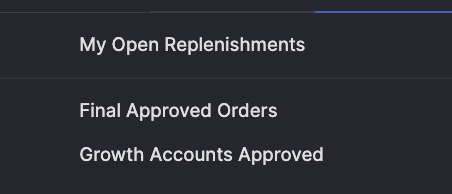
Like many modern CRMs, there was a learning curve to access the right data. We spent time thinking through use cases, critical information, and information architecture, and then built the tools that helped us understand what was actually happening. Once we understood the system ourselves, we were able to more confidently coach our sales team to use the same resources.
Filters before
Filters after
Make it the source of truth
About two years into using our CRM, we realized that no one was using it as the one true source of sales results. This meant that we had no visibility on our pipeline, or our current performance, which left both the reps and the management on an island when adjustments were needed. By re-instilling deal hygiene with our team, the tool once again gave us a real-time view into both current revenue and pipeline. We could finally see a clear path ahead.
Implement live, guided work sessions
I took some surf lessons recently, and the biggest thing that helped me was having my instructor next to me in the waves, helping me read the breaks, showing me where to paddle, and correcting my posture, balance, and duck diving technique in real time. The lesson? People learn complex tools by doing the work with someone there to help. They can get stuck, ask the dumb questions, try something, mess it up, and fix it in real time. We wouldn’t learn surfing via an emailed memo and immediate KPI tracking, so why would we teach CRM that way?
Make it tell people what to do next
Salespeople are bombarded with signals all day, and they all seem critical. Two reps can put in the same amount of work and get very different results simply because one knows what deserves attention next. A good CRM design can help reps intentionally plan the activities that move deals and strategic priorities forward, even when the day pulls them in multiple directions.

Since we’ve instilled these changes, we’ve seen several positive trends. First, our deal volume has increased as our sales team has taken ownership of their deal movement.
Additionally, our call note quality has improved, our team has planned more effectively, and our management has more visibility into the projected results and current obstacles to reach them.
And our sales team? They no longer hate our CRM, and I’d even dare to say they enjoy using it now.
Eight years later, the technology is considerably more sophisticated. But in some ways, the job of the CRM is exactly the same as that old whiteboard: show us where the opportunities are, help us decide what to do next, and get out of the way while we do it.